ENIP app
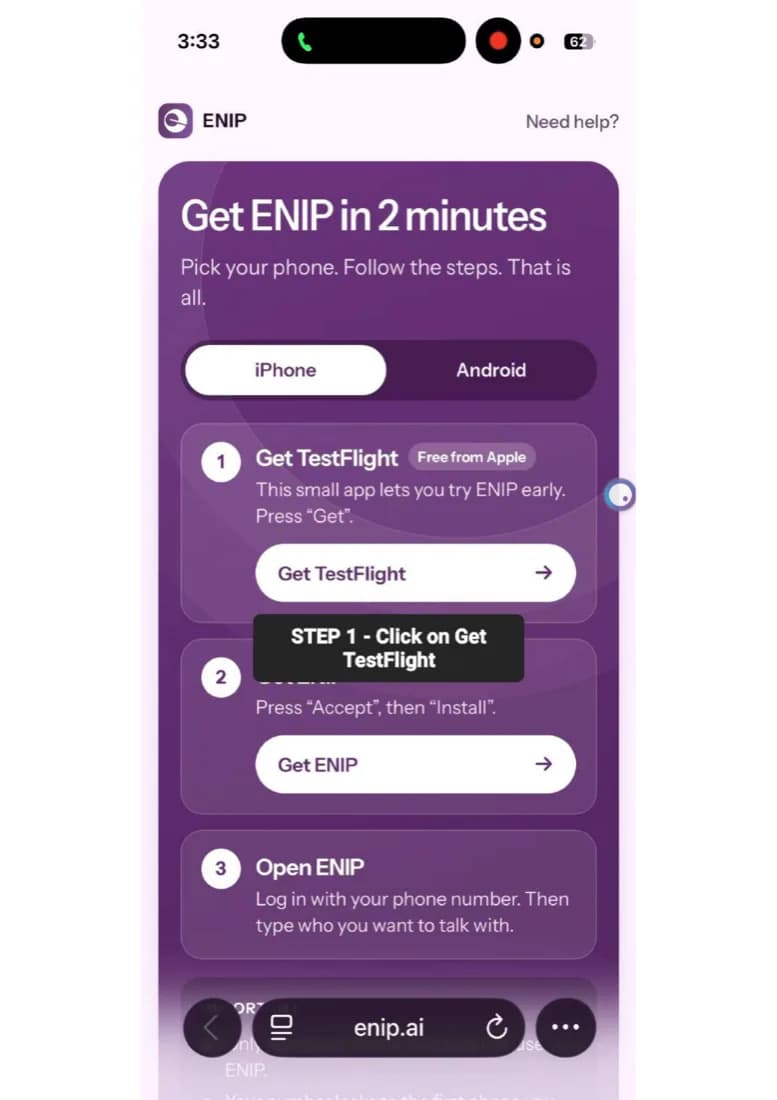
Get ENIP in 2 minutes
Pick your phone and follow the steps.
- 1
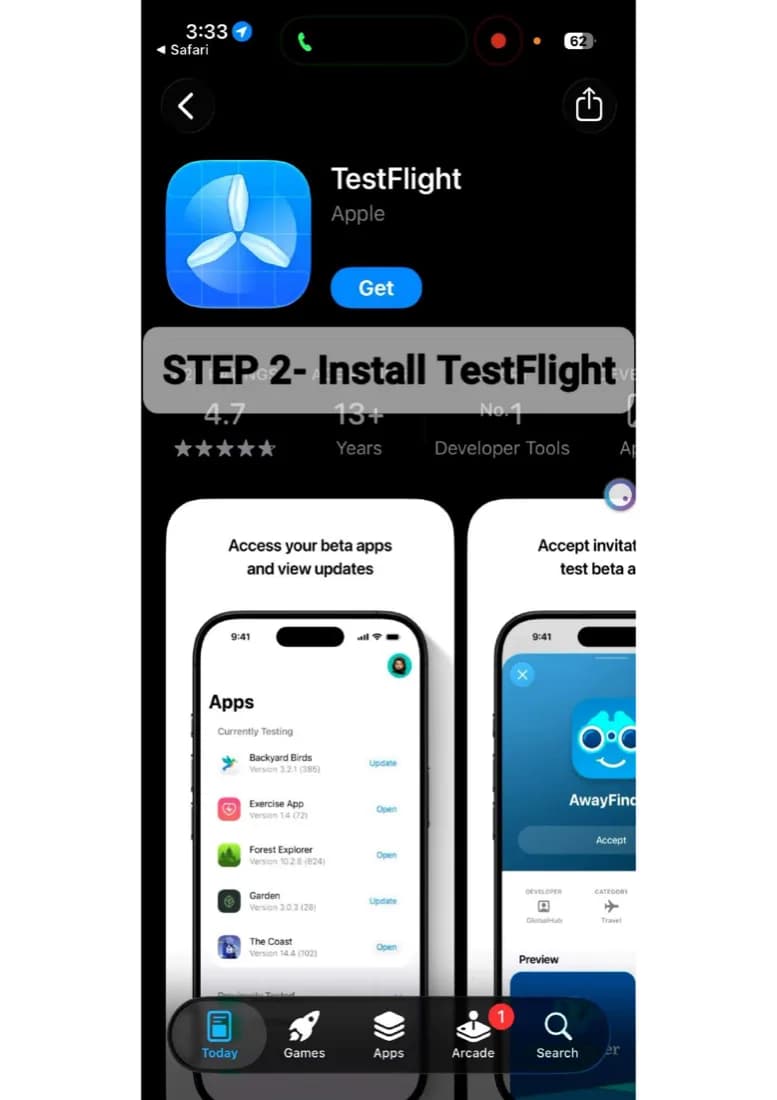
Get TestFlight
Get TestFlight → - 2
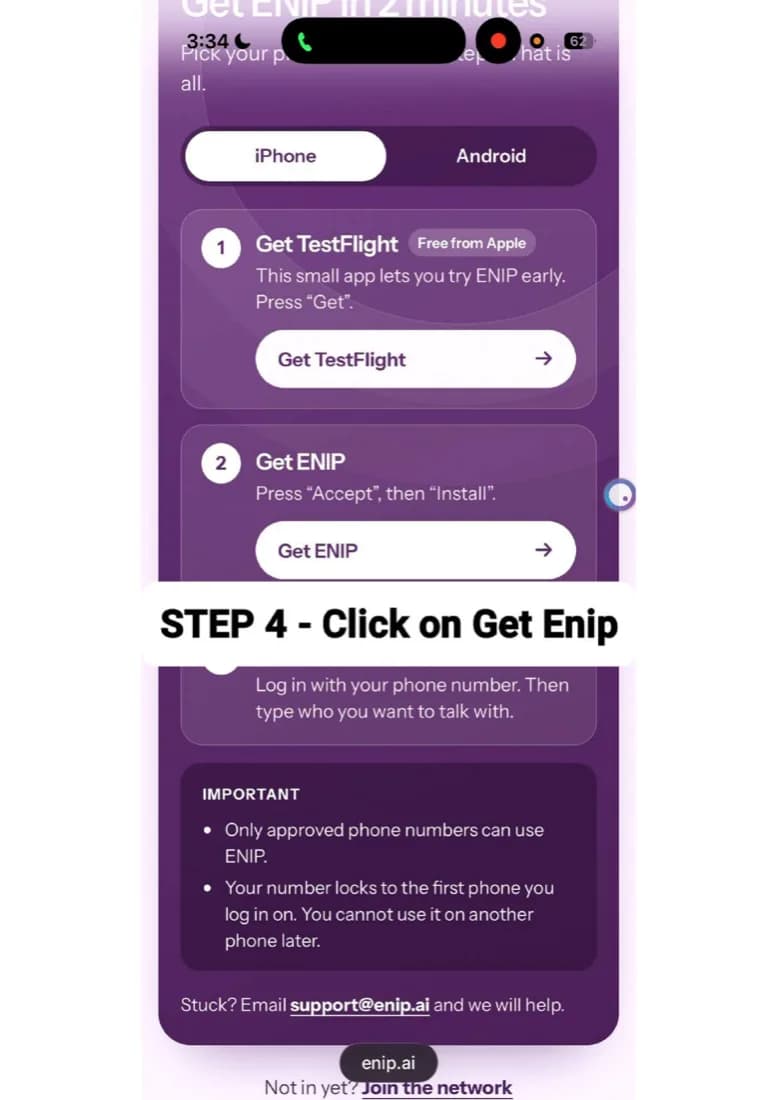
Get ENIP
Get ENIP → - 3
Open ENIP

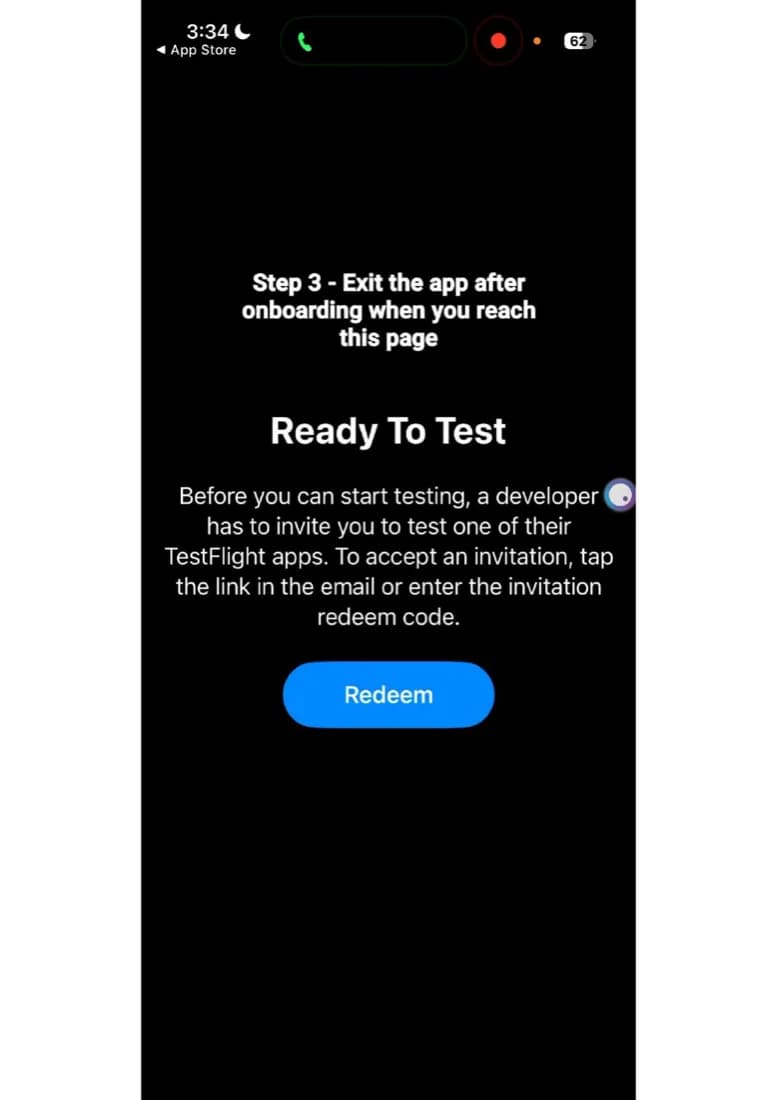
How it looks on iPhone
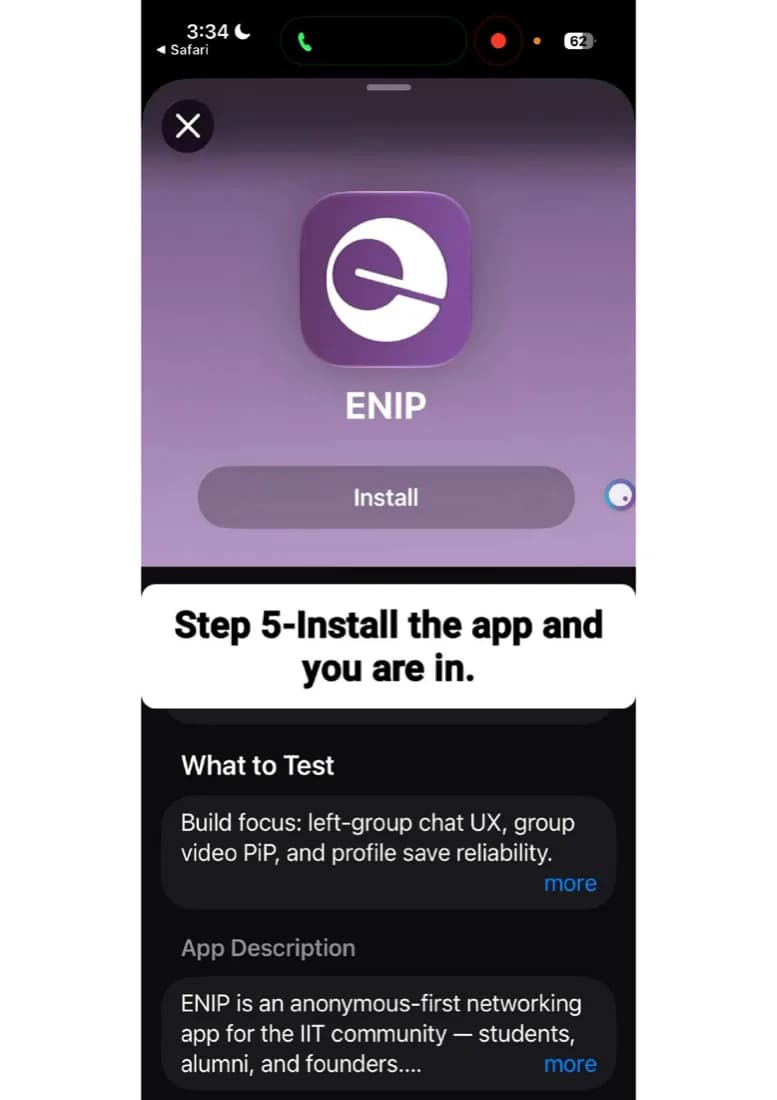
Before you install
- Only approved phone numbers can log in. Students are approved when they get in off the waitlist.
- Your number stays tied to the first phone you log in on. You can't move it to another phone later.
- On iPhone, don't tap “+” in TestFlight: it opens Redeem Code. If you did, close TestFlight and tap Get ENIP above again.